
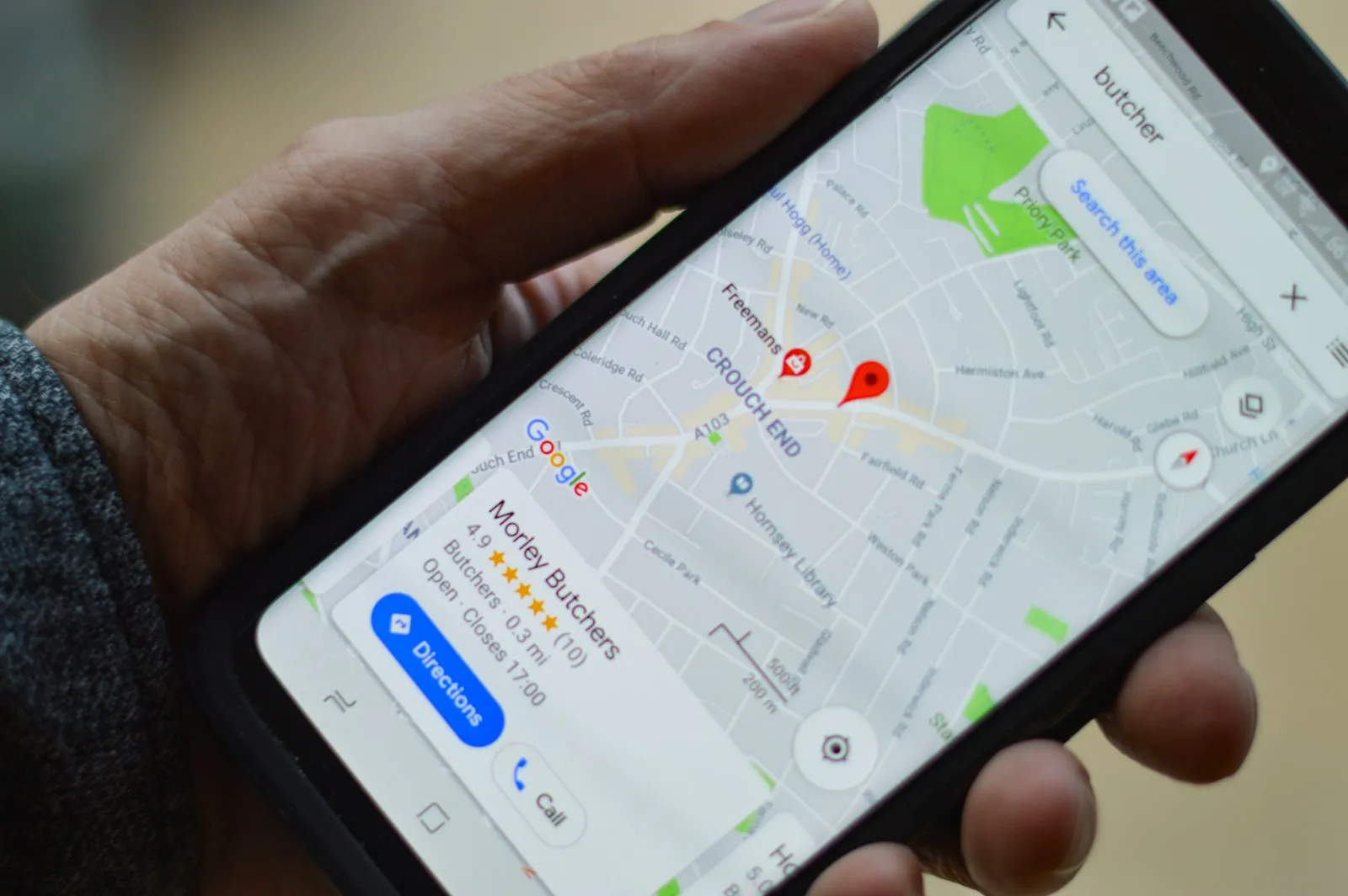
Google Business Profile (GBP) — formerly Google My Business — is the listing that appears on the right side of Google Search results and on Google Maps when someone searches for your business or businesses like it. For a spa, hotel, restaurant or tour operator in Hoi An or Da Nang, it is the single most visible online asset you control after your website. An incomplete or incorrectly configured profile costs you bookings every day.
Step 1: Claim and verify your listing
Before you can optimise anything, you need to claim and verify your Google Business Profile. Search for your business on Google Maps — if it already exists as an unclaimed listing, click 'Claim this business'. If it does not exist, create it from scratch at business.google.com. Verification is typically done by postcard (Google mails a code to your business address) or, increasingly, by video verification. Without verification, you cannot edit your profile.
Step 2: Choose the right primary category
Your primary category is the most important single choice you make in your Google Business Profile. It determines which searches your listing is eligible to appear for. A spa should choose 'Day Spa' or 'Massage Therapist' depending on the primary service — not 'Beauty Salon' unless that is the dominant offering. A restaurant should choose the most specific relevant category: 'Vietnamese Restaurant', 'Seafood Restaurant', or 'Cafe' rather than just 'Restaurant'. Secondary categories can be added to cover additional services.
Step 3: Write a keyword-rich English description
- Lead with your service type and location: 'Traditional Vietnamese spa in Hoi An old town' or 'Boutique hotel in Da Nang beachfront'.
- Include the specific services or experiences you offer: 'hot stone massage, herbal steam, body scrub' or 'sea-view rooms, pool, breakfast included'.
- Mention the guest experience: international-friendly, English-speaking staff, WhatsApp booking.
- Keep it under 750 characters — Google truncates longer descriptions in the listing.
- Do not stuff keywords unnaturally — write for a human reader first.
Step 4: Complete every attribute and service
Google Business Profile offers dozens of attributes depending on your category — accessibility features, payment methods, languages spoken, Wi-Fi availability, outdoor seating, and more. Every relevant attribute you complete strengthens your profile's completeness score and helps Google match your listing to relevant searches. For tourism businesses, 'English-speaking staff', 'accepts credit cards' and 'online booking available' are particularly valuable for international guests.
Step 5: Upload a complete photo set
- Cover photo: your best exterior or signature interior shot — this appears prominently in search results.
- Logo: a clean, square version of your brand logo.
- Interior photos: at least 5–10 photos showing the space, atmosphere and key areas.
- Product or service photos: food dishes, treatment rooms, hotel rooms, tour activities.
- Team photos: optional but builds personal trust.
- Aim for a minimum of 15–20 photos at launch, and add new photos monthly.
Step 6: Add your booking link and contact information
Connect a booking link — your website booking page, WhatsApp link or reservation form — so guests can act immediately from your profile. Ensure your phone number, website URL and address exactly match the information on your website. Inconsistency between your GBP and website sends a weak signal to Google and can suppress your local ranking.
Step 7: Start posting and managing reviews
Regular Google Posts (short updates, offers or announcements) signal that your listing is actively managed. Begin a systematic post-service review request from day one — even one new genuine review per week compounds significantly over time. For full guidance on building reviews, see the guide to getting more Google reviews for tourism businesses in Vietnam.
Related
FAQ
How long does Google Business Profile verification take?
Postcard verification typically takes 5–14 days for the code to arrive. Video verification, where available, can be completed in 1–3 days. Telephone verification is sometimes available for established businesses.
Can I have a Google Business Profile without a physical address?
Yes — service-area businesses can hide their address and instead list the areas they serve. This is appropriate for businesses that operate at the customer's location rather than a fixed premises.
What happens if someone edits my Google Business Profile without permission?
Google allows anyone to suggest edits to business listings. These suggestions may be applied automatically or queued for your review. Monitoring your profile regularly — at least monthly — allows you to catch and correct inaccurate changes before they affect your ranking.
Do I need to set up GBP in multiple languages?
Your primary GBP listing is shown in the searcher's language when possible. For international tourism businesses, writing your description in English covers the widest international audience. Korean, Japanese or other language descriptions can be added in the 'Additional information' section for specific markets.
 WhatsApp