
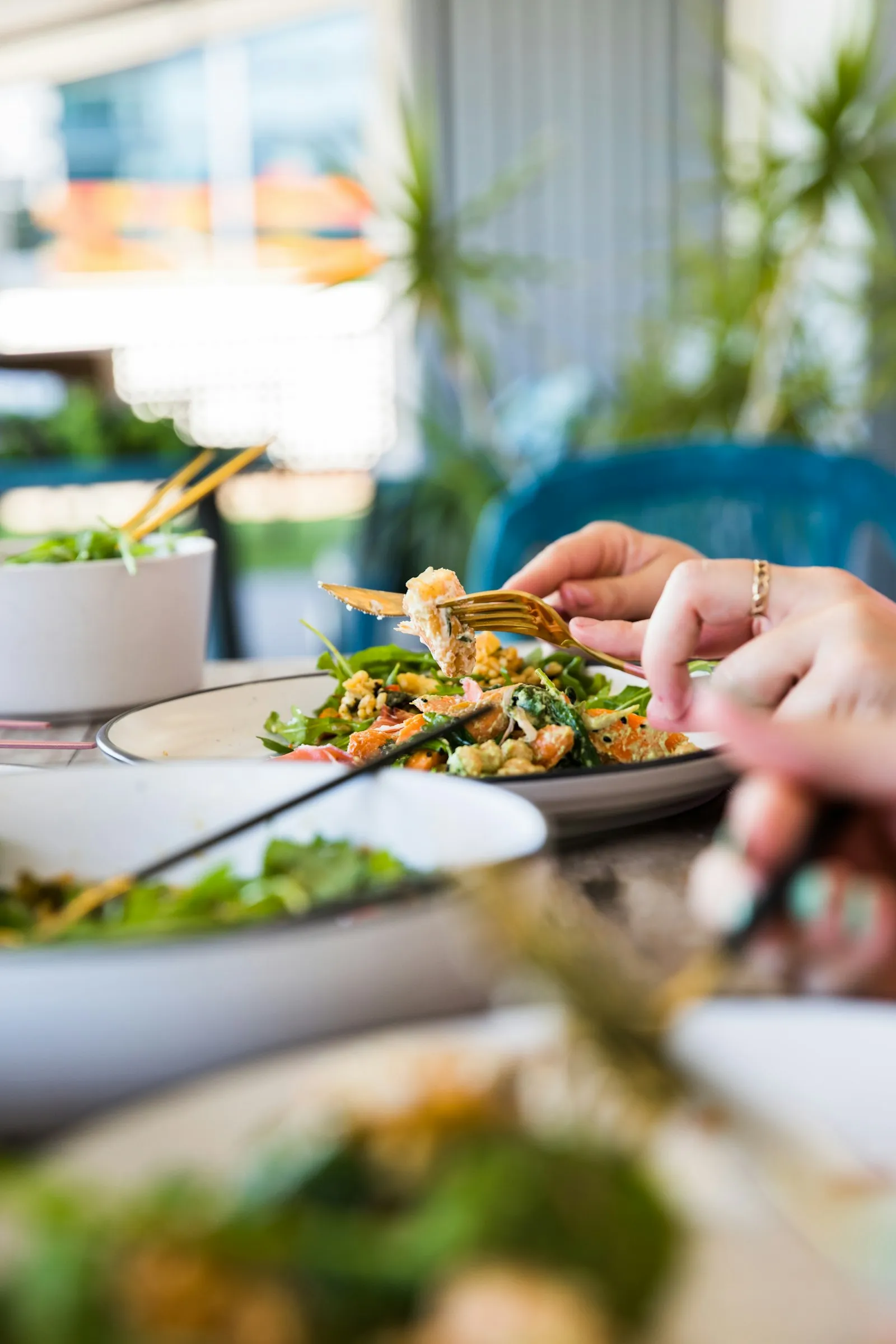
When a tourist opens your Google Maps listing, the photos are the first thing they see — displayed prominently before your description, reviews or contact information. For tourism businesses in Hoi An and Da Nang — spas, restaurants, hotels, cooking classes, tours — photo quality is not an aesthetic choice. It is a primary conversion driver. A listing with poor, dark or generic photos loses potential guests in the first three seconds, regardless of your review score.
Why Google Maps photos affect your ranking
Google uses photo engagement as a quality signal. Listings that receive more photo views, more photo clicks and more user-uploaded photos signal to Google that they are generating interest and trust — which contributes to local ranking. Google has also confirmed that having a complete photo set across the recommended categories (interior, exterior, products, team) is associated with better profile performance. Photos are not just about conversion — they are a ranking input.
The essential photo categories for tourism businesses
- Exterior: the front of your building during daylight — helps guests identify the location on arrival.
- Interior: 5–10 shots of the main spaces — dining room, reception, treatment rooms, hotel lobby.
- Products or services: food dishes for restaurants, treatment rooms and spa beds for spas, room types for hotels, activity scenes for tours.
- Team: optional but effective for building personal trust — particularly for boutique businesses.
- Menu or price list: for restaurants and spas, a clear photo of a current menu or treatment menu.
- Cover photo: your single best image — this appears first in search results and significantly influences click-through.
Photo quality standards that matter
- Natural light or warm artificial light — avoid harsh flash photography that flattens depth and colour.
- Minimum 720×720 pixels — Google recommends at least this resolution for clear display.
- Horizontal (landscape) orientation — displays better in the Google Maps photo carousel.
- Real photos of your actual space and products — not stock images, which reduce authenticity significantly.
- No text overlays or marketing graphics — Google may suppress these and they look unprofessional in a photo carousel.
- Current photos — update when the space changes, when seasonal menus launch or when key products change.
User-generated photos: a signal you can encourage
Guests can upload photos to your Google Maps listing independently, and Google gives these user-generated photos significant weight as authenticity signals. Encouraging guests to photograph and upload their visit — a simple verbal invitation or a small sign near the exit — builds a photo set that feels more genuine and diverse than owner-uploaded content alone. This is a legitimate and effective strategy: you are not faking anything, you are simply making it easy for satisfied guests to share.
How often to add new photos
Photo freshness is a quality signal. Businesses that add new photos regularly outperform those with a static photo set added years ago. A practical schedule is adding 3–5 new photos per month — seasonal dishes, new room styling, team additions, renovated areas. This keeps the listing feeling current and active, which matters both for ranking and for the impression it creates on potential guests viewing the listing.
Photography investment vs return
For most tourism businesses, professional photography is one of the highest-return marketing investments available. A single half-day shoot with a professional photographer produces photos that will serve your Google Maps listing, website, social media and OTA platforms simultaneously. The cost of one professional shoot is typically recouped within a week or two of bookings that result from improved profile performance. Combined with an optimised Google Business Profile, good photos are the fastest visible improvement most businesses can make. For the full profile optimisation checklist, see the guide to Google Business Profile setup for tourism businesses.
Related
FAQ
Can I remove photos that guests have uploaded to my Google Maps listing?
You can flag guest-uploaded photos that violate Google's content policies (e.g. inappropriate content), but you generally cannot remove photos simply because you dislike them. The best approach is to ensure your own uploaded photos are higher quality than any unflattering guest photos.
How many photos should I upload when first setting up my Google Business Profile?
Aim for a minimum of 15–20 photos across the key categories: exterior, interior, products or services, and a team photo if appropriate. More is better at launch — it immediately signals a complete, professionally managed profile.
Does the order of photos matter?
Google's algorithm selects the cover photo and lead images algorithmically based on engagement — you cannot fully control which photos appear first. However, designating your best image as the cover photo gives it the strongest initial placement.
Are videos allowed on Google Business Profile?
Yes — you can upload videos up to 30 seconds and 75MB in size. Short videos of the experience — a treatment room walkthrough, food preparation, a room tour — can increase profile engagement significantly.
 WhatsApp